Choose collectors and your starting reviewer setting
Understand who captures, who checks, and how to assign many Localities at once.
Last updated 6 days ago
Select a screenshot to enlarge it. Example screenshots use fictional details.
A data collector enters the figures. A reviewer checks them. Your collector may be a team leader, fieldworker or central administrator—choose the person who will actually capture the outputs.
Add collectors
In Confirm people, enter each person's first name, last name, email and mobile number, then choose Add to directory. Listed Partner admins can be used if they will also capture outputs; their presence does not mean they must be collectors.
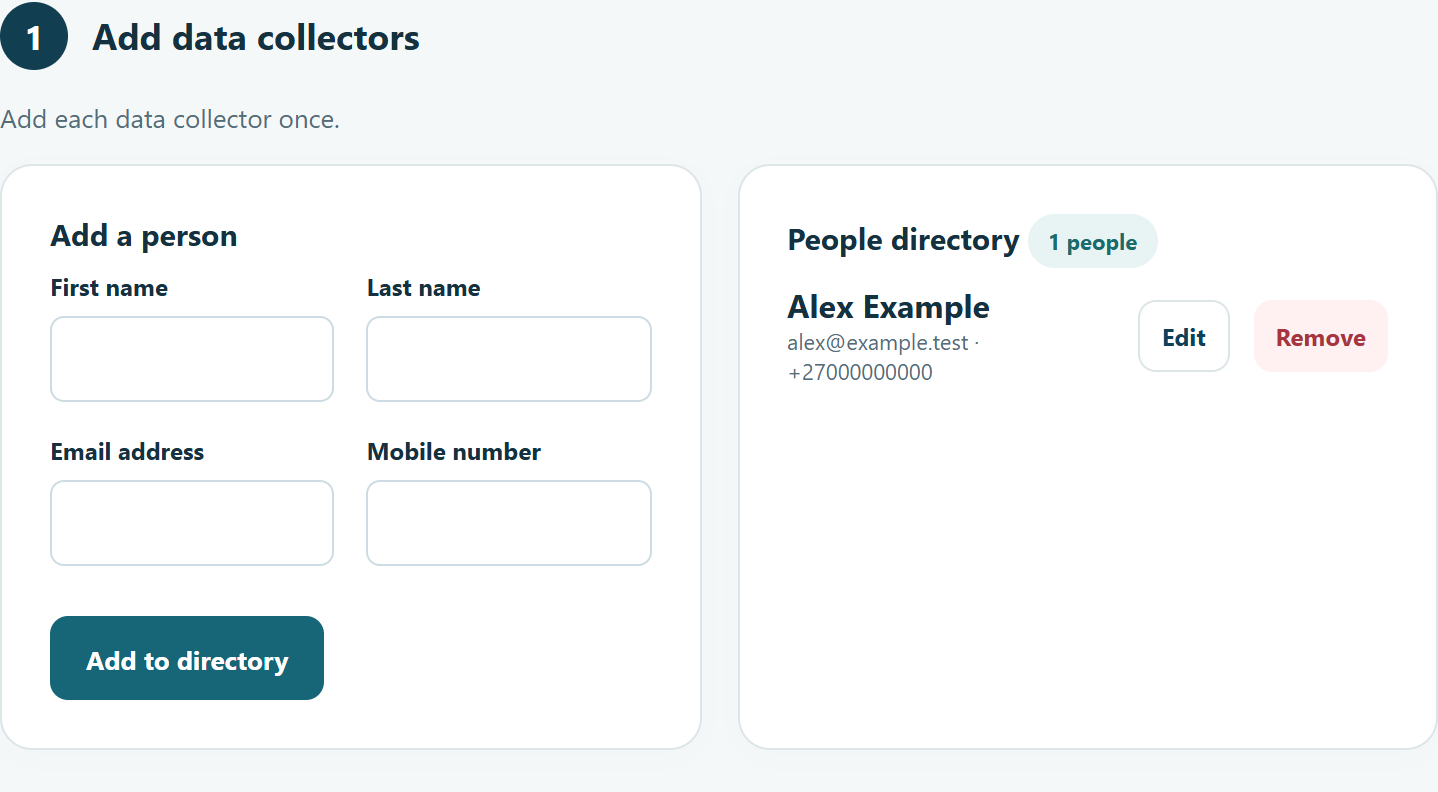
You should now see the person in the People directory.
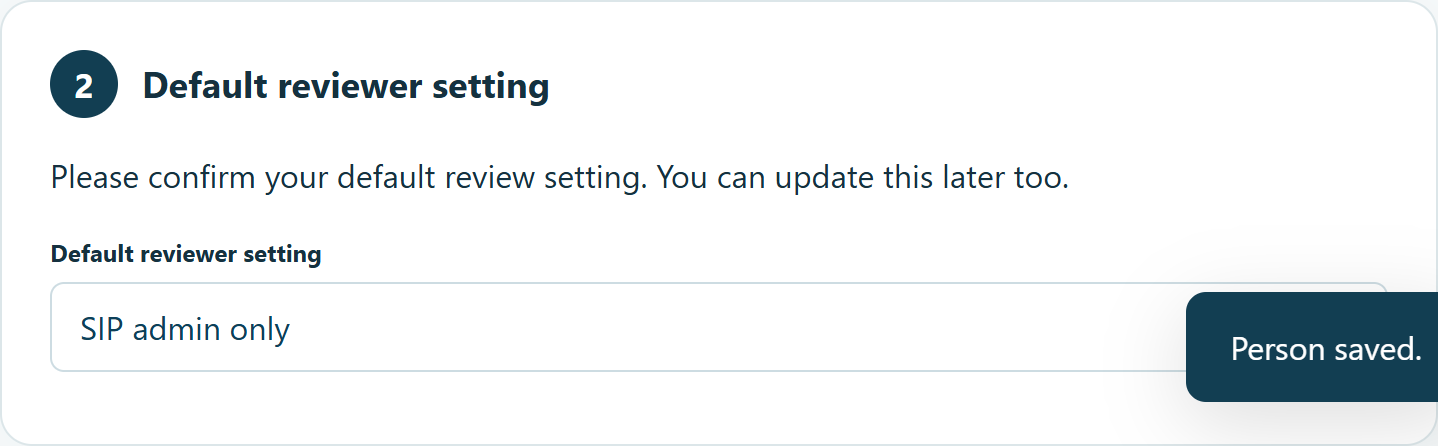
Choose a default reviewer setting
- Partner admin first, SIP admin final: use the partner contact from SITE01 for the first review where applicable, followed by the SIP reviewer.
- SIP admin only: send submissions directly to the SIP reviewer.
The SIP reviewer comes from the registered SIP details. Contact Brownie Points if those details are incorrect.
If the imported partner contact is not your intended reviewer, you can start with SIP admin only. Additional worksite or partner reviewers can be assigned after Brownie Points receives your completed pack and sets up the workspace. You do not need to change Kwantu's organisation contact just to nominate a different QuickTrack reviewer.
Assign many Localities together
- Filter by Site, Partner or Reporting template.
- Check the matching list.
- Choose Select all matching localities to include every matching page, or Select this page for the current page only.
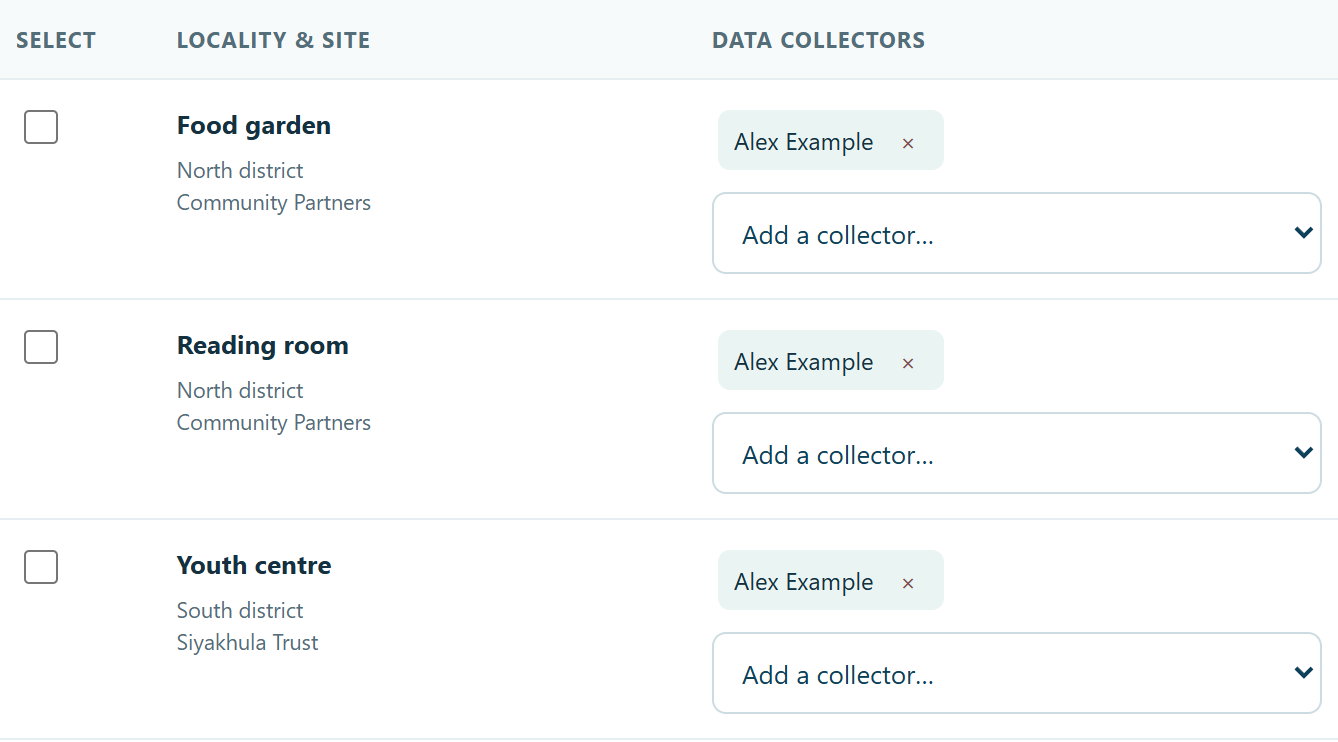
- Check the total selected, choose a collector and click Assign to selected.
- Wait for the saved confirmation.
Changing filters clears the selection. A successful bulk assignment clears it too.
Find what remains
Set Collector assignment to Without a data collector. Finish those assignments, then open Final review. You can change the number of Localities per page.
You should now see each assigned collector’s name beside their Localities. Several collectors can be assigned where needed; agree who will capture each result to avoid duplicates.
What happens after onboarding?
After workspace setup, collectors submit figures and evidence in QuickTrack. Reviewers check them, request corrections where needed, and approve them. The SIP completes the final checks before approved reporting goes to Kwantu. These operational review actions are separate from the onboarding wizard.
Next: return to Final review in the wizard, check the summary and submit.
Was this helpful?
Still need help? Ask the team